Every stamp has a story. Keep yours close.
The ink may fade. The feeling stays. Scan the stamps in your paper passport and build a collection you can open wherever the next adventure takes you.
Download on the App StoreMade for iPhone & iPad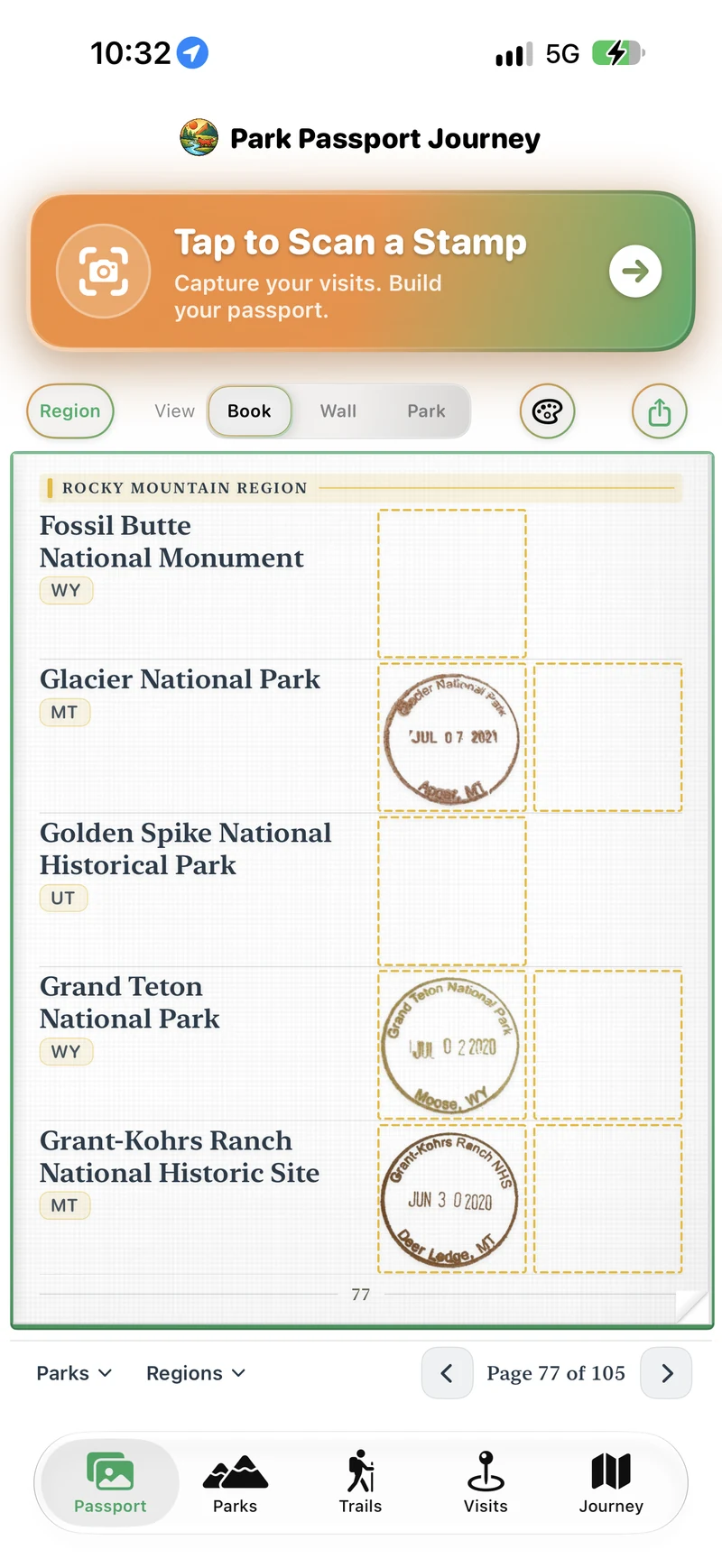
Bring your paper passport into Journey.
Start with the stamps you already treasure. Use the app’s camera to capture a passport stamp, review the scan, and save it to your collection. Add stamps as you travel, or spend an afternoon bringing past trips into your digital passport.
A home for your whole collection.
Browse your stamps in a passport book or on your Passport Wall. Keep them organized by park and connected with your visits, so a stamp can bring you back to the place and the day behind it. Your paper books remain part of the tradition; Journey gives their stories another place to live.
Make room for the next one.
A good collection gives you a reason to keep exploring. Browse our national park passport stamp guides for places to start, then check the park’s current information before making a special trip to a visitor center.
Find your next passport stampA little more to know.
Journey includes a free allowance for saved stamp scans. Pro unlocks unlimited stamp saves. See the app for your remaining allowance and current upgrade options.
Can I scan stamps from an existing paper passport?
Yes. You can capture stamps from the paper passports you already own and save them in Journey. You do not need to wait for your next park visit to begin.
Is Journey an official national park passport app?
Journey is an independent app by AJE Technology. It is not affiliated with the National Park Service, America’s National Parks, or the Passport To Your National Parks® program.
Does the digital passport include admission to a park?
No. Journey helps you save your stamps and memories. Park entrance passes, reservations, and permits are separate.

Your next chapter starts with a stamp.
Give the places you’ve been a home in Park Passport Journey.